What Is a Blog and How to Start a Blog (Beginner’s Complete Guide)
Want a fast, beautiful blog without the tech stress? Ghost is the platform I personally use and recommend. Built for independent bloggers, it comes with everything you need and nothing you don't.
Are you aware starting a blog can change your life? Sound crazy, but it’s true.
There has never been a better time to build something of your own on the internet.
In a world dominated by short videos, endless scrolling, and social media trends that change every week. Yet while platforms rise and fall, one digital asset has continued to create opportunities for ordinary people year after year: the blog.
A blog can begin as a simple website built around your ideas, interests, knowledge, or experiences. Over time, it can become much more than that. It can grow into a trusted resource, a personal brand, a community, a business, or a reliable source of income.
What makes blogging so valuable is not just the ability to publish content. It is the ability to own your platform. When you post on social media, you borrow space from someone else. Your visibility depends on algorithms, trends, and rules you cannot control. A blog is different.
Your website belongs to you. Your articles can continue attracting readers months and years after they are published. Your email list is yours. Your brand is yours. Every useful piece of content you create becomes part of an asset that can grow in value over time.
That is why blogging still matters.
We will cover what a blog actually is, why people still start them today, how to choose the right niche, how to name your blog, what platform to use, how to write content people want to read, how to grow traffic, and how bloggers make money.
This blog post is not aimed at false promises, just a real roadmap for building a blog the right way.
What Is a Blog?
A blog is a website where content is regularly published around a topic, theme, industry, or personal perspective. That content is usually presented in the form of articles, guides, tutorials, stories, reviews, opinions, case studies, or updates.
Years ago, blogs were often online journals where people shared personal thoughts and daily experiences. Some still are, and there is nothing wrong with that. But blogging has evolved dramatically.
Today, blogs power businesses, personal brands, media companies, educational platforms, and communities.
Some of the most respected websites on the internet started as blogs. Many solo creators quietly earn income each month through blogs that solve specific problems for specific audiences.
A modern blog might look like:
A Personal Blog: A writer documenting lessons, life experiences, or a journey.
A Niche Blog: A site focused on one subject such as fitness, travel, parenting, finance, beauty, tech, gardening, or blogging.
A Professional Blog: A consultant, freelancer, or expert using content to attract clients.
An Authority Blog: A site built to become a trusted source in a category through high-quality educational content.
A Media Blog: A publication producing regular content for a broad audience and monetizing through ads, sponsorships, or products.
The format may vary, but the core purpose is usually the same: to create valuable content that attracts and helps readers.
Why Start a Blog?
People start blogs for many reasons, but the most successful ones usually begin with a simple idea: building something meaningful that compounds over time.
Many online activities that disappear quickly but blogging rewards consistency. Every article can continue working for you long after it is published. One useful post can bring readers for years.
Here are some of the strongest reasons to start a blog.
1. Build a Long-Term Online Asset
A blog is not just content. It is a property you own. You build a library of helpful resources that can continue attracting readers through search engines, links, and recommendations.
2. Share What You Know
You do not need to know everything to help someone. Often, people who are a few steps ahead are in the best position to teach beginners because they remember what confusion feels like.
If you have solved problems, learned lessons, or developed skills, there is likely an audience that can benefit from your experience.
3. Create Income Opportunities
Many blogs eventually generate income through:
- Affiliate marketing
- Display advertising
- Sponsored content
- Freelance services
- Coaching
- Courses
- Memberships
- Digital products
- Consulting
You do not need millions of readers. In many niches, a smaller audience with trust is more valuable than large empty traffic numbers.
4. Build Your Reputation
Publishing thoughtful content consistently can position you as someone credible in your field. A blog often opens doors to partnerships, speaking opportunities, clients, media mentions, and collaborations.
5. Learn Valuable Skills
Blogging naturally teaches skills that are useful in almost any business:
- Writing
- Marketing
- Search engine optimization
- Design thinking
- Audience growth
- Email marketing
- Analytics
- Sales psychology
Even if your blog changes direction later, those skills stay with you.
Is Blogging Still Worth It Today?
Yes, absolutely but it helps to understand what has changed.
The internet is more competitive than it was ten years ago. There is more content, more noise, and more distraction. Low-effort blogging built on recycled advice and weak content does not perform like it once did. But high-quality blogging is still extremely valuable.
People still search Google every second for answers, recommendations, tutorials, comparisons, and solutions. Businesses still need traffic. Readers still want trustworthy guidance. Brands still need authority. Search engines still need excellent content to show users.
What has changed is the standard.
To succeed now, blogging works best when you focus on:
- Original insights
- Useful information
- Strong structure
- Genuine expertise or experience
- Reader trust
- Consistent publishing
- Good user experience
- Multi-channel traffic growth
In other words, lazy blogging is fading. Helpful blogging is thriving.
Can Beginners Still Succeed?
Without question. Many people assume the internet is “too late,” but every year new creators build websites that grow quickly because they understand modern strategy better than older sites resting on outdated methods
Beginners often have advantages:
- They adapt faster
- They use better tools
- They understand current user behavior
- They are willing to learn
- They can choose smarter niches
The key is not being first. The key is being useful, clear, and consistent.
A new blog with excellent content can outperform an older site with neglected content.
What Starting a Blog Really Looks Like
It helps to be honest about the journey. Most successful blogs do not explode overnight. They grow gradually, then suddenly seem visible once years of quiet effort begin compounding.
A realistic timeline may look like this:
Months 1 to 3
Learning the platform, publishing first posts, improving writing, finding your voice.
Months 4 to 6
Some search traffic appears. You begin understanding what readers respond to.
Months 6 to 12
Authority grows. Better rankings become possible. Monetization may begin.
Year 1 and Beyond
Compounding becomes real. Earlier content continues working while new content adds momentum.
This timeline is not a rule, but it is far more realistic than overnight success stories.
What Makes a Blog Successful?
They simply do the fundamentals well for a long time. Successful blogs usually have:
- A clear niche
- Helpful content
- Strong article headlines
- Clean website design
- Consistent publishing
- Search traffic strategy
- Email list growth
- Trustworthy recommendations
- Patience during slow seasons
Success in blogging often looks boring from the outside. It is steady work repeated intelligently.
How to Choose a Profitable Blog Niche
One of the first major decisions you will make as a new blogger is choosing your niche.
A niche is the main topic your blog focuses on. It gives your website direction, helps readers understand what you are about, and makes it easier for search engines to know when to recommend your content.
You might make the mistake of choosing a niche based only on what seems profitable or something you like which is not bad, but can you imagine writing about it consistently for more than a few weeks. The best choice usually sits in the middle.
A strong niche often lives where three things overlap:
- Something you genuinely enjoy or care about
- Something people actively search for or need help with
- Something that has monetization potential
When those three elements meet, you have a niche worth exploring.
Choose a Topic You Can Sustain
Blogging rewards consistency. That means you need a subject you can stay interested in long enough to build momentum.
Ask yourself:
- Could I write 50 articles on this topic?
- Do I enjoy learning more about it?
- Would I still care about it six months from now?
- Can I help beginners in this space?
If the answer is yes, that is a good sign.
Examples of Evergreen Blog Niches
Evergreen niches stay relevant year after year because people continue needing help.
These include:
- Personal finance
- Fitness and health
- Relationships
- Parenting
- Productivity
- Travel
- Food and recipes
- Technology
- Career growth
- Online business
- Blogging
You can also narrow broad niches into more focused angles.
For example:
- Fitness → Home workouts for busy professionals
- Finance → Budgeting for young families
- Travel → Affordable solo travel
- Blogging → Blogging for beginners
Specificity often wins.
50 Blogging Niches Library
Should You Choose a Narrow Niche or Broad Niche?
For most beginners, narrower is better. A broad niche like “health” places you against massive websites. A focused niche like “strength training for women over 40” gives you a clearer audience and easier positioning.
The best part? You can always expand later.
How to Validate a Niche
Before committing, do basic research:
- Are people searching questions in this space?
- Are products or services sold in this market?
- Are there active communities on YouTube, Pinterest, Reddit, or X?
- Can you think of at least 30 useful article ideas?
If yes, the niche likely has life in it.
A Note on Passion
You do not need to be wildly passionate from day one.
Sometimes passion grows after progress. Many people become passionate once they see readers benefiting, traffic growing, or income appearing.
Choose something you can commit to, not just something that sounds exciting today.
How to Pick a Blog Name
Your blog name matters, but not as much as many people think.
Beginners often spend weeks trying to find the “perfect” name, when they would be better served publishing content. A strong name helps branding, but a mediocre name with excellent content will outperform a clever name with no strategy.
Your goal is to choose a name that is:
- Easy to remember
- Easy to spell
- Relevant enough to your audience
- Flexible for future growth
- Pleasant to say out loud
Popular Blog Naming Styles
1. Keyword-Based Names
Examples:
- Smart Budget Living
- Blogging Authority
- Simple Keto Kitchen
These can help clarity and sometimes SEO relevance.
2. Brandable Names
Examples:
- Feather
- ConvertKit (now Kit)
- NerdWallet
These are unique and memorable.
3. Personal Brand Names
Examples:
- Jane Doe Media
- Mark Writes Online
Excellent if you want to build around yourself.
Avoid These Naming Mistakes
Try not to choose names that are:
- Hard to spell
- Full of hyphens or numbers
- Too trendy
- Too narrow if you may expand later
- Similar to major brands
Choosing a Domain Name with Namecheap
Once you choose your blog name, the next step is securing your domain.
A domain name is your website address, such as:
- yourblog.com
- thesoloblogger.com
Owning your domain makes your project real. It becomes your home online. I recommend getting your domain from Namecheap, it's one of the best and reliable domain providers. They offer really good prices and features like free lifetime domain privacy.
Branding Tips for New Bloggers
Branding is not just a logo. It is the feeling people get when they visit your site.
Strong beginner branding can be simple.
- Choose readability over flashy effects.
- Too many fonts create chaos.
- Choose consistent colors.
- Write in a recognizable voice.
- Use strong taglines e.g. Honest Blogging Advice for Beginners
Choosing the Best Blogging Platform
Once you have chosen your niche, secured a domain name, and started shaping your brand identity, the next decision is one that often determines how easy or frustrating your blogging journey will feel over the next several years: choosing the right platform.
This is not simply a technical choice. It affects how much control you have, how easily you can design your site, how you publish content, how you monetize your audience, how much you pay overtime, and how smoothly your website can grow as your ambitions become larger.
Many beginners underestimate this step. They assume all blogging platforms are roughly the same, then later discover limitations around customization, ownership, pricing, integrations, or growth. By that point, migrating a site can become inconvenient and expensive. It is far better to choose thoughtfully at the beginning.
The best platform for you depends on the type of blog you want to build.
If your goal is a content-rich website that can rank in search engines, grow into a business, and offer maximum flexibility, one set of tools makes sense. If your goal is a newsletter-first brand, a simpler publishing platform may be better. If you want elegance and speed with minimal maintenance, there are modern alternatives worth considering.
There is no universal winner. There is only the right fit for your model. Your options fall into two categories:
Blogging on WordPress
Ideal for people who want ownership, flexibility, plugins, design freedom, and long-term scalability.
Blogging Without WordPress
Ideal for people who prefer a streamlined writing experience, built-in newsletters, simplicity, or a modern creator-focused workflow.
Let’s walk through the major choices carefully.
Understanding WordPress in 2026
For a long time, people separated WordPress into two completely different worlds: WordPress.org and WordPress.com, often describing one as powerful and the other as limited.
That explanation is no longer accurate.
Today, both versions are built on the same core WordPress system, and both are capable of powering serious blogs, businesses, and even large content-driven websites. The real difference now lies in how much technical responsibility you want to carry.
WordPress.org: Full Control, Full Responsibility
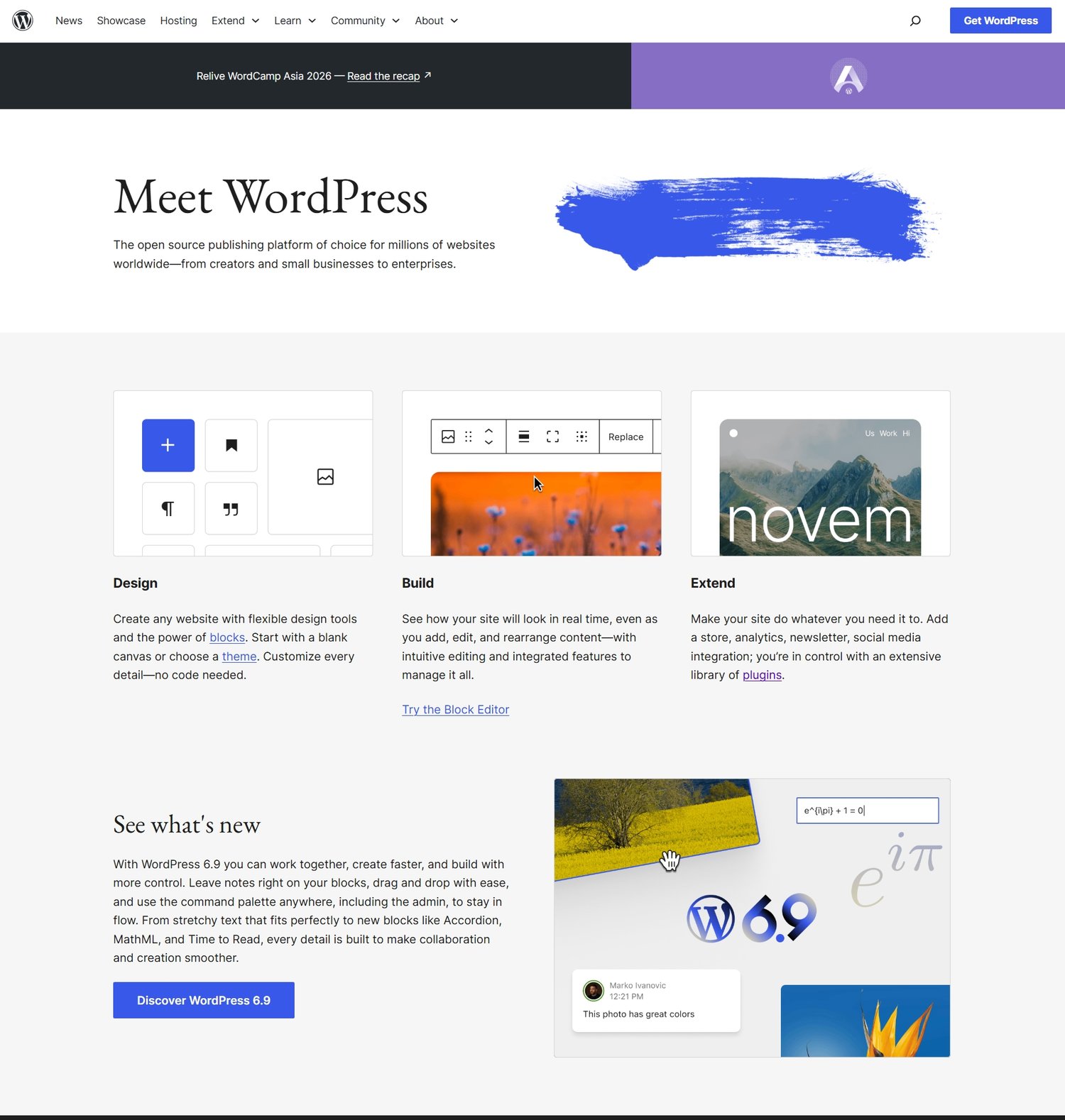
WordPress.org is the self-hosted version of WordPress, meaning you download the software and install it on a hosting provider of your choice. This approach gives you complete freedom over your website environment, including your themes, plugins, performance setup, and monetization structure.
But that freedom comes with responsibility.
You are in charge of things like hosting, backups, updates, and site security. For some people, especially developers or experienced creators, this is exactly what they want because it provides maximum flexibility. For others, especially beginners who just want to focus on writing, it can feel like unnecessary technical overhead.
The important thing to understand is that WordPress.org is not “better” because it has more features. It is “different” because it gives you direct control over everything beneath your website.
WordPress.com: Managed WordPress
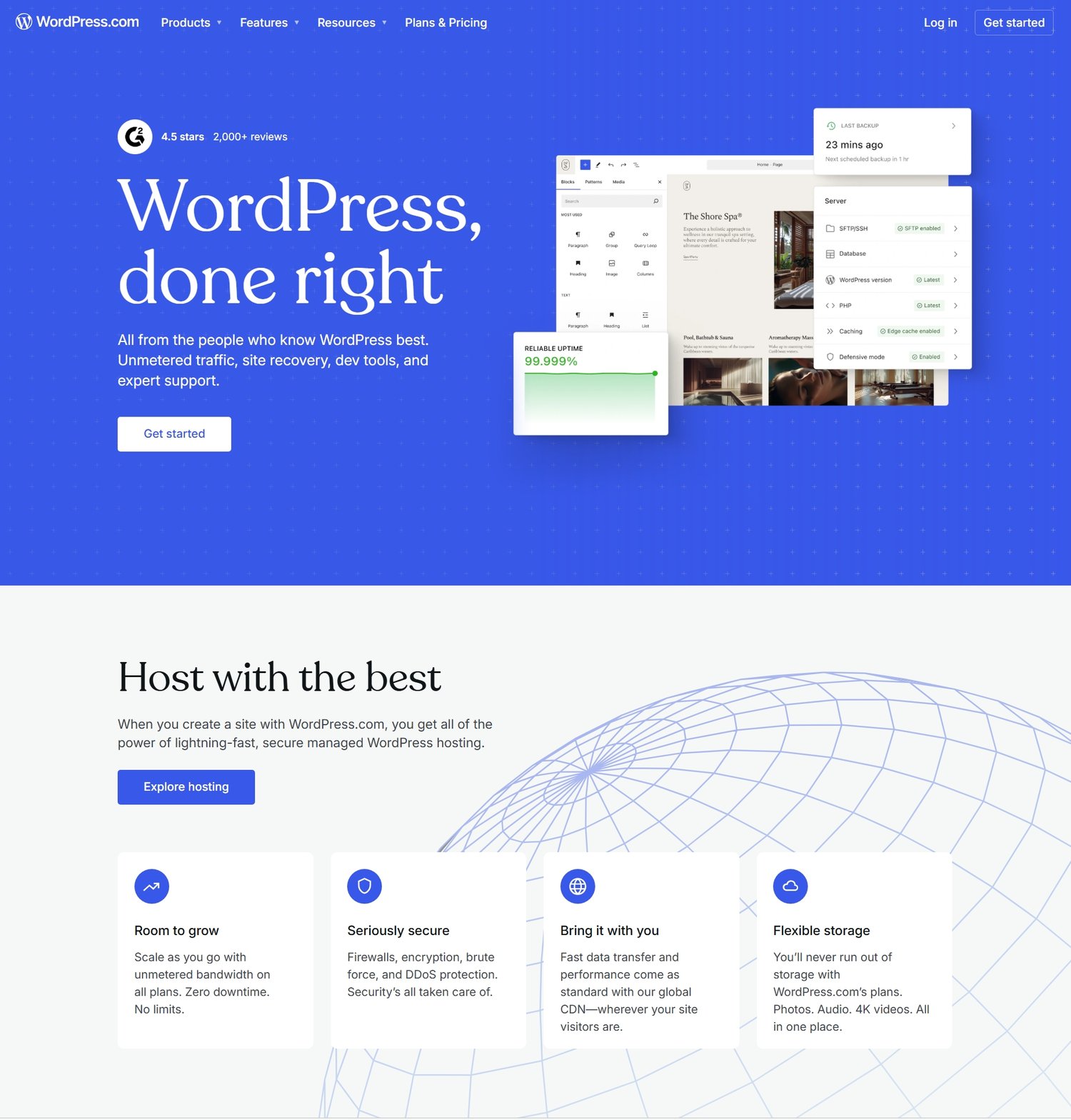
WordPress.com has changed dramatically over the years. What used to be a simplified blogging platform has evolved into a fully managed WordPress experience where hosting, security, updates, and performance are handled for you automatically.
Instead of worrying about server setup or technical maintenance, you simply focus on creating content and building your site. Modern WordPress.com also includes features that used to be exclusive to self-hosted setups, such as plugin access, theme customization, ecommerce tools, and even AI-assisted website creation depending on your plan.
The biggest shift is that WordPress.com is no longer about “limited functionality.” It is about reducing technical responsibility so creators can focus more on content and growth.
Where the Real Difference Actually Exists
If you strip away all the technical details, the real difference between WordPress.org and WordPress.com is not capability anymore.
It is structure.
With WordPress.org, you assemble your website like a system you fully own. You choose your hosting provider, manage performance, and configure everything yourself.
With WordPress.com, you step into a managed environment where those systems are already handled, and you simply build on top of them.
Both paths can lead to the same outcome: a professional, scalable blog. The difference is how involved you want to be in the technical layer underneath it.
How to Think About the Decision Properly
Instead of asking which one is better, a more useful question is: Do you want to manage the foundation of your website, or do you want it managed for you so you can focus entirely on content?
If you enjoy control, customization, and technical flexibility, WordPress.org will feel natural. If you prefer simplicity, speed of setup, and a guided environment, WordPress.com may feel more comfortable.
Neither choice prevents you from building a serious blog. They simply shape your workflow differently.
Using Bluehost for WordPress Hosting
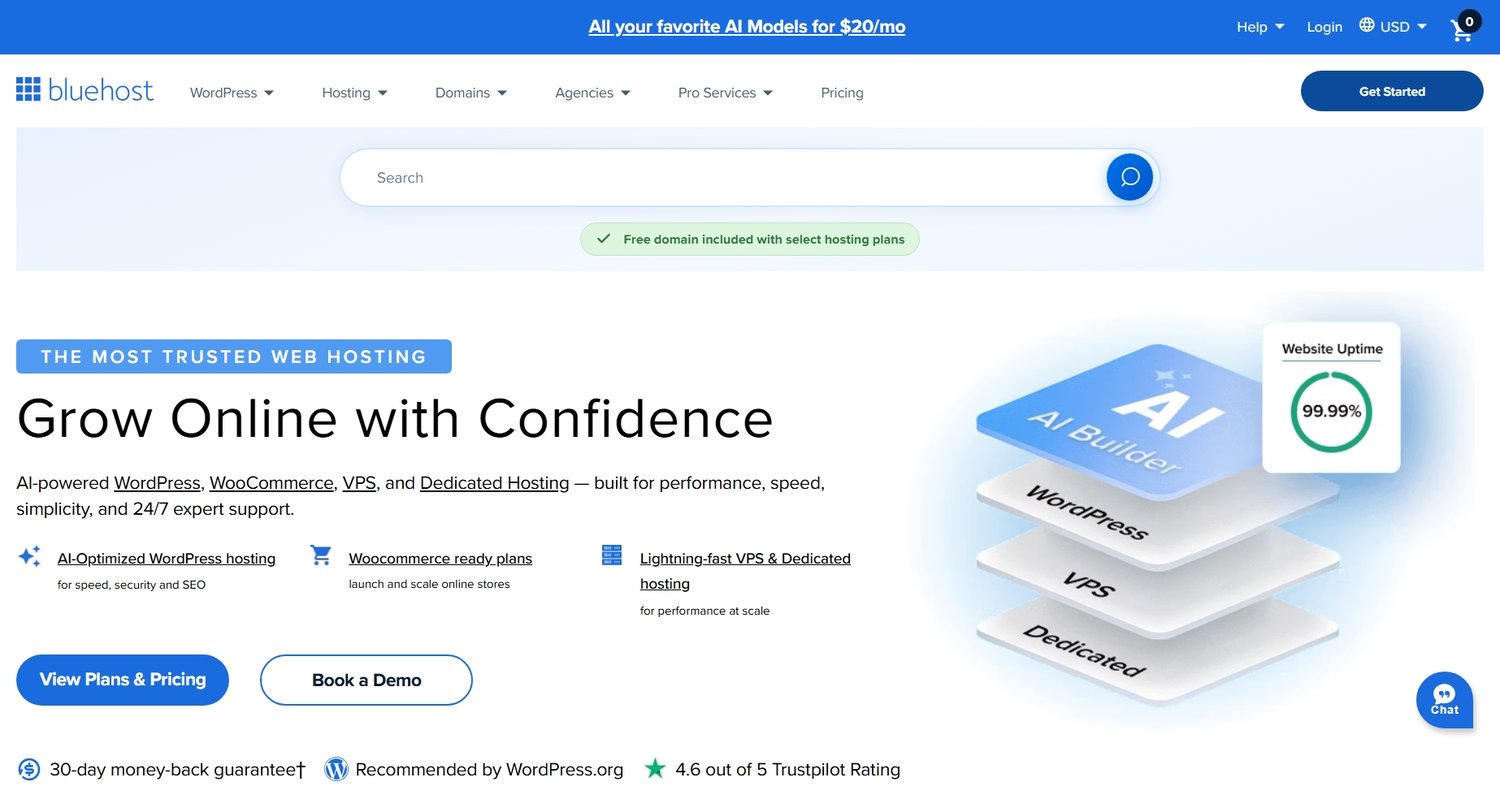
Bluehost has long been one of the most common entry points for new bloggers using WordPress. Hosting is the service that stores your website files and makes your blog accessible online. Without hosting, your site has nowhere to live.
For beginners, Bluehost remains popular because it generally offers:
- Beginner-friendly setup
- One-click WordPress installation
- Affordable starter plans
- Domain bundling options
- Support resources for new users
Who Bluehost Is Good For
Bluehost is often suitable for:
- First-time bloggers
- Budget-conscious beginners
- Simple niche sites
- Personal brands starting small
When You Might Upgrade Later
As traffic grows, many bloggers eventually move to stronger hosting providers for better speed or advanced performance. That is normal. Your first host does not need to be your forever host.
The goal at the beginning is momentum, not perfection. If you value starting with better WordPress host and don't mind spending more money, Pressable is a reliable option.
Blogging Without WordPress
While WordPress remains powerful, it is not the only great option.
Many modern creators want a writing-first platform with less maintenance, cleaner interfaces, and built-in audience tools. If that sounds appealing, these alternatives deserve attention.
1. Ghost
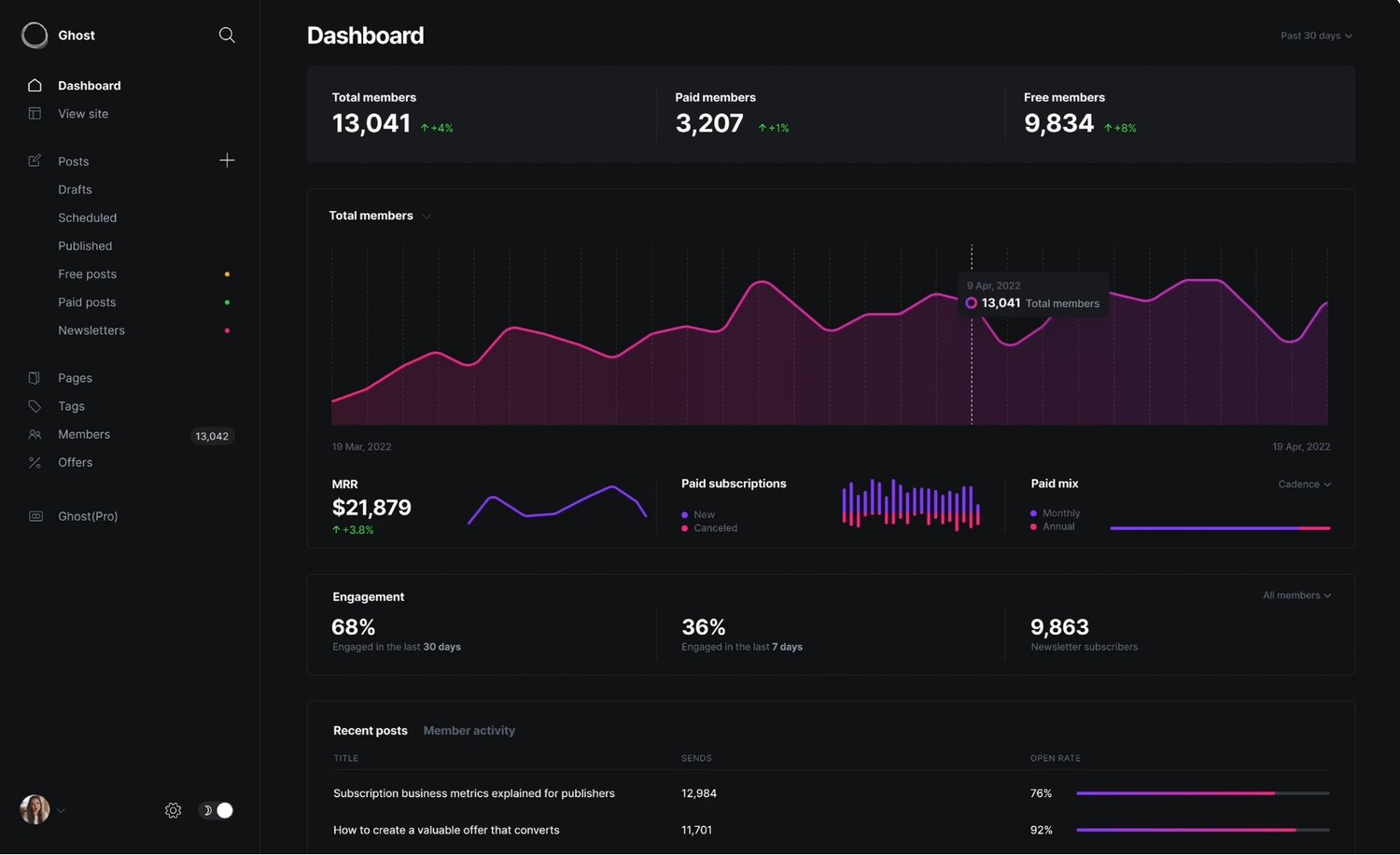
Ghost is one of the strongest alternatives to WordPress for bloggers who care deeply about writing, clean design, SEO (search engine optimization), speed, newsletters and memberships. Ghost feels modern and focused. It removes much of the clutter that can overwhelm WordPress beginners.
Why I Love Ghost
I personally make use of Ghost and here's why I love it:
- Beautiful writing experience
- Fast websites
- Excellent SEO
- Clean, beautiful and modern themes
- Built-in memberships and newsletters
- Strong publishing workflow
- Advanced analytics
Who Ghost Is Best For
Ghost is excellent for:
- Writers
- Media-style blogs
- Thought leadership brands
- Paid newsletter creators
- Minimalist publishers
What to Keep In Mind
Ghost can be more technical if self-hosted, and the hosted plan (Ghost Pro) cost more than beginner WordPress hosting but it's so worth it cause it saves you costs on analytics tools, memberships and so much more.
2. Feather
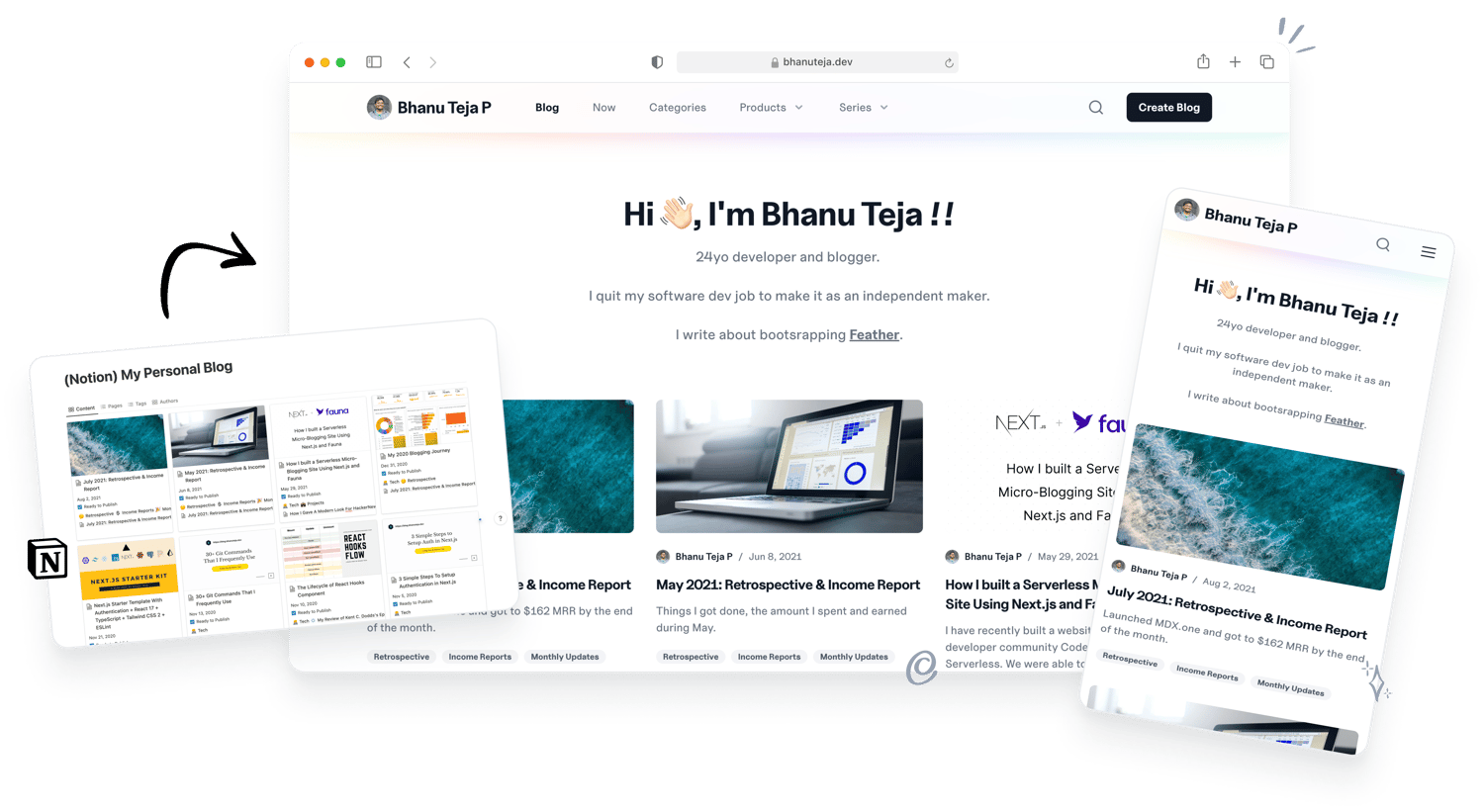
Feather appeals to creators who already love using Notion. Here Notion serves as the CMS (content management system) for your blog. It allows you to write in Notion and publish to a blog. If you use notion already you would know how great Notion editor is.
Why Feather Is Interesting
- Familiar Notion workflow
- Quick publishing
- Clean setup
- Excellent SEO
- Newsletters
- Advanced analytics
- Create unlimited number of blogs on unlimited number of custom domains
Best For
- Productivity creators
- Solo founders
- Newsletter writers
- People already managing content in Notion
If you enjoy frictionless writing and organization, Feather can feel refreshing.
3. Hyvor Blogs
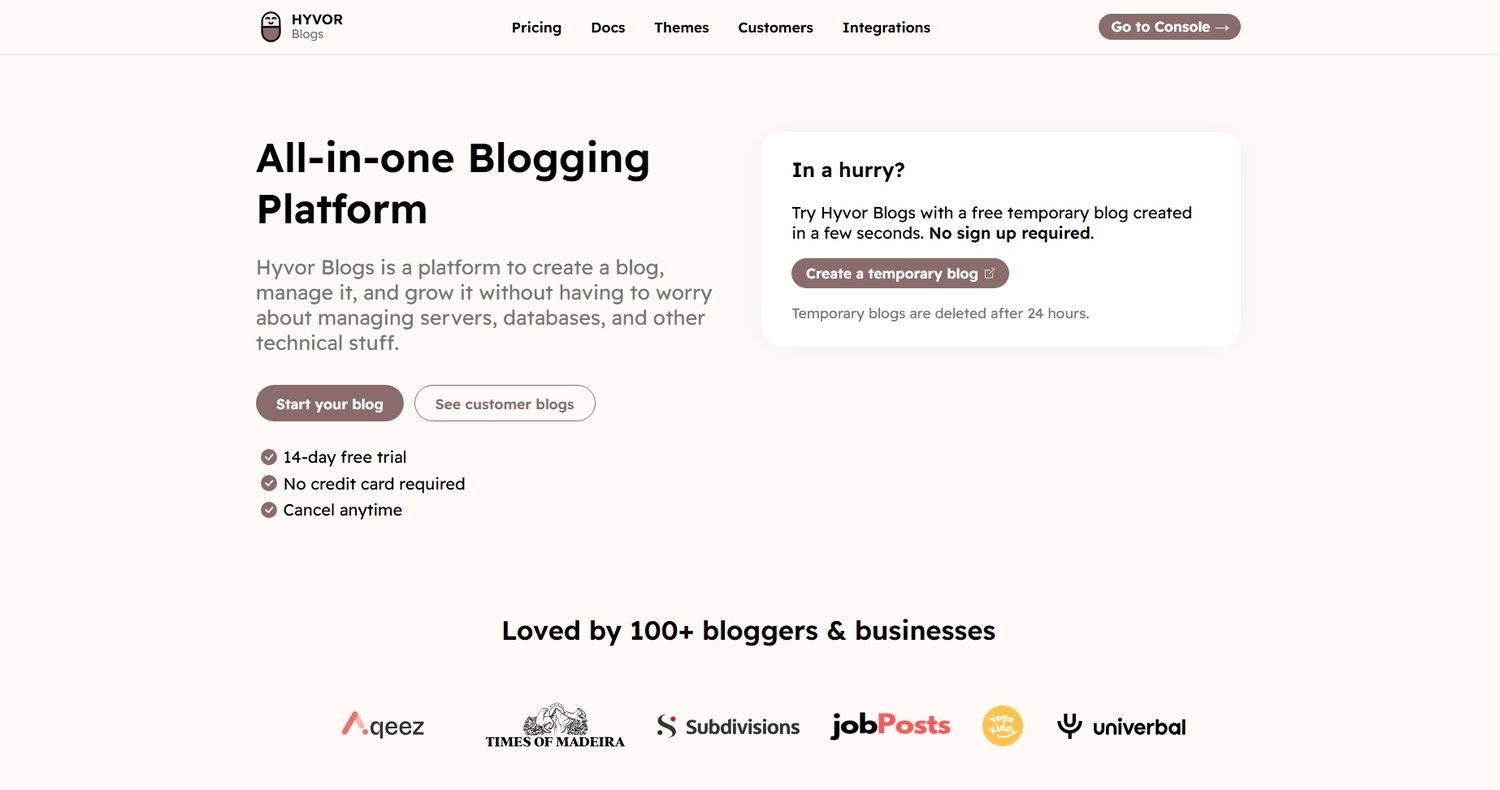
Hyvor Blogs is a newer platform focused on speed, simplicity, and performance. It removes much of the technical burden while still offering a professional publishing environment.
Why Some Bloggers Choose Hyvor Blogs
- Fast-loading sites
- Clean interface
- Lightweight experience
- Lower maintenance than WordPress
- Beautiful themes and editor
This can appeal to bloggers who want content creation without technical distractions.
4. Beehiiv
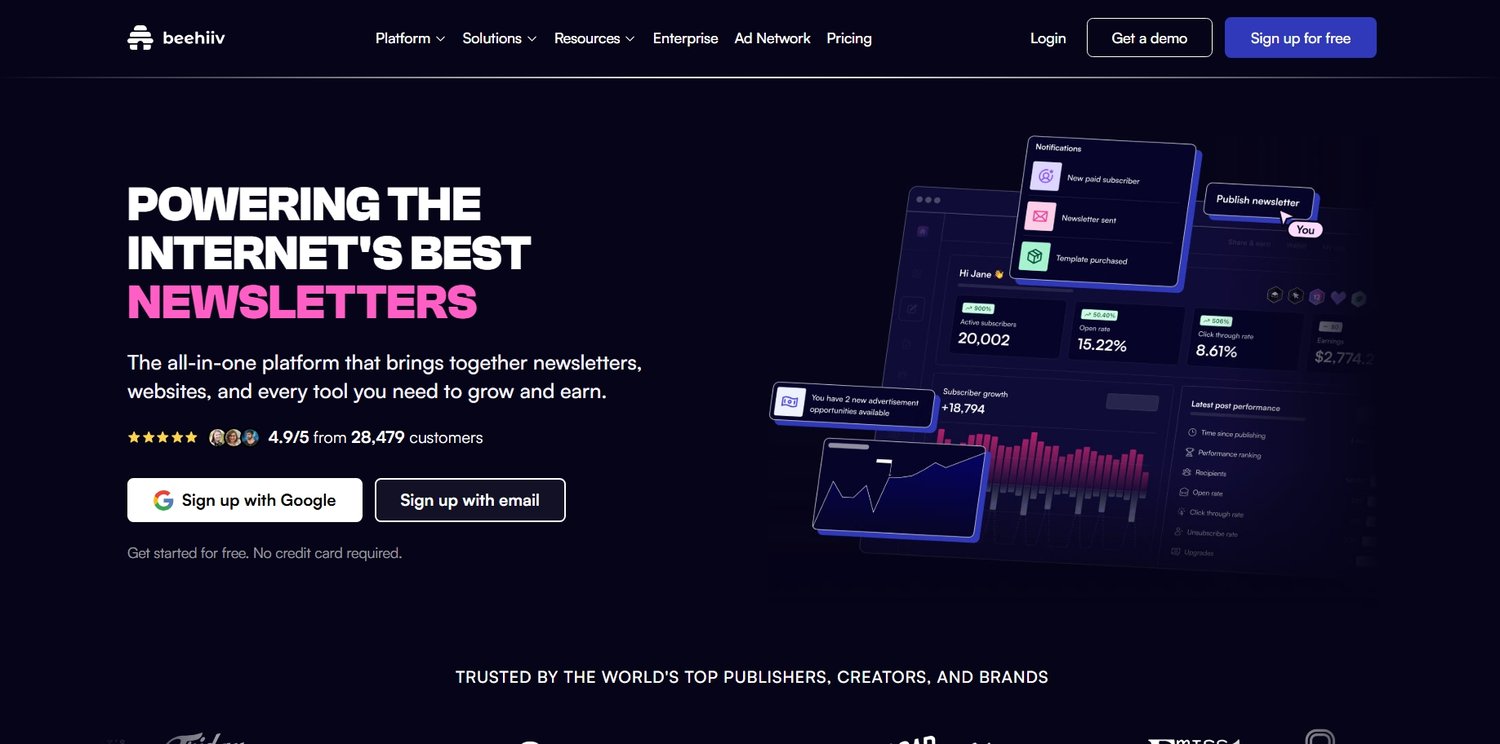
Beehiiv has become popular among creators building email-first businesses. While it supports web publishing and blogging, its real strength lies in newsletters, subscriber growth, referral systems, and audience monetization.
Why Beehiiv Stands Out
- Excellent newsletter tools
- Subscriber growth features
- Referral systems
- Sponsorship opportunities
- Strong creator ecosystem
Best For
- Writers building email audiences
- News-style content brands
- Creators prioritizing subscribers over search traffic first
If your business model centers on owning an email audience, Beehiiv deserves strong consideration.
Which Platform Should You Choose as a Beginner?
If you are building a traditional blog business focused on articles, SEO traffic, affiliate income, and long-term flexibility, WordPress is still the strongest default choice.
If you want simplicity and elegant publishing
Ghost is excellent.
If your strategy revolves around newsletters
Beehiiv is compelling.
If you love Notion editor
Feather is great for you.
If you want lightweight simplicity
Hyvor Blogs is worth exploring.
The “best” platform is the one aligned with your actual goals. If you want me to choose for you, I'd say if you like the idea of WordPress go for WordPress.com but on the contrary, Ghost or Feather is great.
Read: How to Choose the Best Blogging Platform as a Beginner.
Creating Essential Pages for a Professional Blog
Once your blogging platform is set up and your direction is clear, the next step is something many beginners tend to overlook, even though it quietly determines whether a blog feels trustworthy or unfinished. These are your essential pages.
When someone visits your blog for the first time, they are not just reading your content. They are also subconsciously evaluating whether they can trust you.
They look for signs of stability, honesty, and transparency, even if they do not realize they are doing it consciously. Essential pages help establish that trust instantly.
Search engines also pay attention to these signals. A website with clear policies, contact details, and an “about” section appears more legitimate than a site that only contains blog posts with no supporting structure.
In other words, these pages are part of your foundation. They support everything else you build on top of your blog.
The Core Essential Pages Every Blog Must Have
While blogs can evolve and expand over time, there are a few foundational pages that almost every serious blog should include from the beginning. Let’s go through them properly.
About Page: The Story Behind Your Blog
Your About page is one of the most visited pages on your entire website, especially for new readers who are trying to understand who you are and whether your content is worth following.
This is where you introduce yourself, but not in a shallow or overly formal way. Instead, it is your opportunity to explain why your blog exists, who it is for, and what readers can expect to gain from it.
A strong About page usually answers questions like:
- Why did you start this blog?
- What topics do you cover?
- Who is your content for?
- What makes your perspective different?
- How can readers benefit from following you?
The goal is not to sound perfect. The goal is to sound clear, honest, and helpful.
A good About page builds familiarity, and familiarity builds trust.
Contact Page: Making Your Blog Reachable
A Contact page is often underestimated, but it plays a crucial role in making your blog feel real and accessible. It tells readers, brands, and potential collaborators that there is a real person behind the website who can be reached. This page does not need to be complicated.
Most Contact pages include:
- A simple contact form
- An email address
- Optional social media links
- A short message inviting communication
As your blog grows, this page becomes increasingly important for partnerships, sponsorships, guest posts, and reader inquiries.
It quietly turns your blog from a static website into an interactive platform.
Privacy Policy: Building Trust and Compliance
A Privacy Policy is a legal document that explains how your website collects, uses, and protects visitor data. Even if your blog is small, this page is important because modern websites often collect data in some form, whether through analytics tools, email subscriptions, or advertising platforms.
A proper Privacy Policy typically covers:
- What data is collected
- How data is used
- Cookies and tracking tools
- Third-party services
- Email signup information
- User rights and data protection
This page helps protect both you and your visitors by ensuring transparency.
Terms of Use: Setting Clear Boundaries
Your Terms of Use page outlines the rules and conditions for using your website. While it may sound formal, its purpose is simple: it defines expectations.
This page usually includes:
- How content can be used or shared
- Disclaimer of liability
- Intellectual property rights
- User responsibilities
- Limitations of content accuracy
It acts as a protective layer for your blog while also clarifying how readers should interact with your content.
Affiliate Disclosure: Being Transparent With Your Audience
If you plan to monetize your blog through affiliate marketing, this page is essential. An Affiliate Disclosure informs your readers that some of the links on your website may earn you a commission if they make a purchase.
This does not reduce trust when done properly. In fact, it often increases it because transparency is a key part of ethical blogging. A clear disclosure typically explains that:
- You may recommend products or services
- Some links are affiliate links
- You may earn a commission at no extra cost to the reader
- You only recommend tools you believe are useful
Honesty here is not optional. It is part of building long-term credibility.
Using Termly to Simplify Legal Pages
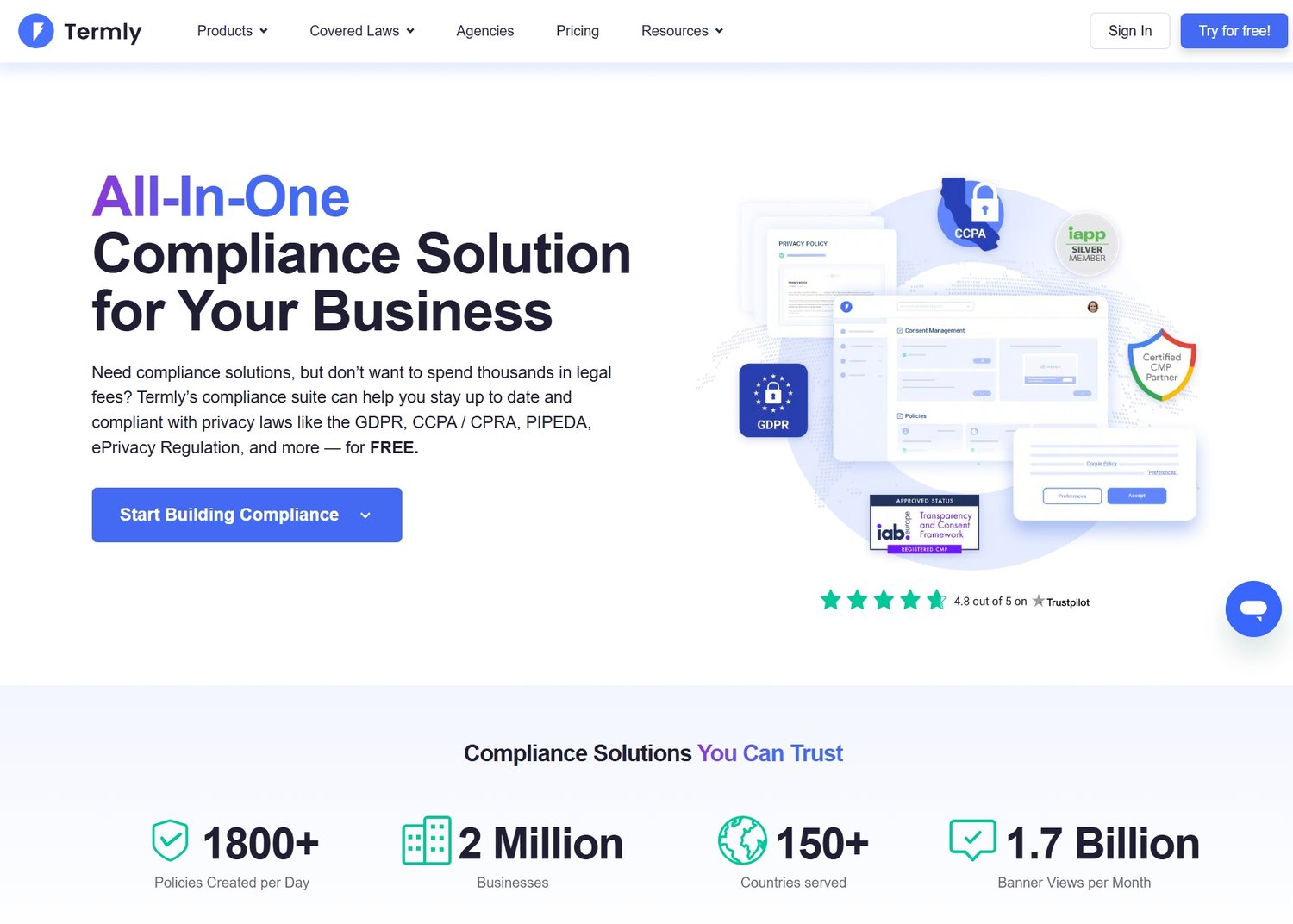
For many beginners, writing legal pages from scratch feels overwhelming, especially if they are unsure about compliance or wording. This is where tools like Termly become extremely useful.
Termly helps you generate privacy policies, cookie policies, and terms of use documents based on your website’s needs. Instead of guessing what should be included, you answer a few questions, and the platform builds structured legal pages for you.
While it is still important to review and understand your policies, tools like Termly significantly reduce the complexity of the process.
Understanding Basic Blog Site Structure
Once your essential pages are in place, your blog begins to take shape as a complete system rather than just a collection of posts.
A well-structured blog is easier to navigate, easier to scale, and easier for search engines to understand.
At a basic level, your blog structure should include:
1. Homepage
Your main content hub, often featuring your latest posts, key categories, or featured guides.
2. Blog Posts
Individual articles targeting specific topics and search queries.
3. Categories
Groupings of related content that help organize your blog logically.
4. Essential Pages
About, Contact, Privacy Policy, Terms, Affiliate Disclosure.
Planning and Creating Blog Posts That Actually Get Traffic
At this point, your blog is no longer just an idea or a setup. It has structure, essential pages, and a clear platform foundation. Now comes the part that truly determines whether your blog grows or quietly fades away: your content strategy.
Because in blogging, everything eventually comes down to content. Not just how much you publish, but how well you plan what you publish, how intentionally each article is created, and how effectively each post serves both readers and search engines at the same time.
Many beginners skip this thinking they can “just write and figure it out later,” but that approach almost always leads to scattered content, inconsistent traffic, and frustration. A successful blog is not built on random writing. It is built on a thoughtful system of content planning.
How to Plan Blog Posts the Smart Way
Before you write a single article, you need clarity on what your blog is actually going to cover in a structured way. This is where content planning comes in.
Instead of thinking in terms of individual posts, think in terms of topics and clusters. Your blog should feel like a library, not a collection of unrelated essays.
Each of these clusters can contain multiple articles that connect to each other naturally.
This structure helps your readers explore your site more deeply, while also helping search engines understand your authority on a subject.
Finding Blog Post Ideas That Are Worth Writing
Good blog post ideas usually come from real problems people are already trying to solve. Instead of guessing what to write, you should be looking at:
- What people search on Google
- What questions beginners repeatedly ask
- What problems appear in forums or communities
- What competitors are ranking for
- What tools or products people are comparing
A simple way to think about it is this: if people are already searching for it, your job is to create the best possible answer.
How Viral-Worthy Blog Headlines Actually Work
Your headline is often the first and sometimes only chance you have to earn a click. Even if your content is excellent, a weak headline can quietly kill your traffic before anyone even reads your work.
Some patterns that consistently perform well include:
- “How to…” guides that solve a clear problem
- “Best” lists that simplify decision-making
- “Beginner’s guide” posts that reduce confusion
- “Mistakes to avoid” articles that warn and educate
- “Step-by-step” content that promises structure
The key is to communicate value clearly enough that the right reader feels, “This is exactly what I need.”
How to Write Great Blog Content That Feels Human and Ranks Well
Writing for a blog is different from writing casually. You are not just expressing thoughts; you are guiding a reader through an idea in a way that feels natural, helpful, and complete.
Good blog writing does not rush. It does not overwhelm. It does not jump from point to point without connection. Instead, it flows.
A strong blog post usually feels like a conversation where the writer understands what the reader is trying to achieve and gently leads them from confusion to clarity.
To achieve this, your content should:
- Explain ideas in a natural sequence
- Avoid unnecessary complexity
- Expand ideas instead of rushing them
- Use examples when helpful
- Anticipate follow-up questions
- Maintain a consistent tone throughout
Most importantly, your writing should feel like it respects the reader’s time and attention.
Structuring Blog Posts for Readability and SEO
A well-structured blog post typically moves in a logical flow:
It starts by setting context, then introduces the problem, then explains the solution step by step, and finally brings everything together in a way that feels complete.
Within the article itself, headings act as guideposts. They help readers scan, pause, and understand where they are in the journey. This is especially important because most readers do not read every word immediately. They scan first, then decide whether to continue.
Paragraph length also matters. Long blocks of text can feel heavy, while overly short fragments can feel incomplete. A natural rhythm somewhere in between creates the best reading experience. Also remember to add bullet points and headings to make your blog post readable.


Building an Email List and Growing Your Blog Traffic Beyond Google
Once your blog starts publishing well-structured, helpful content, the next challenge is not just writing more posts, but making sure people actually come back to read them again. Because one of the hardest truths in blogging is this: most visitors will not return on their own unless you give them a reason to.
Search traffic can bring people in, social media can introduce your content, but without a system to capture attention and bring readers back, your blog will always feel like it is starting from zero every day.
This is where email marketing and content distribution become extremely important. They transform your blog from a static website into a living audience-driven platform.
Why Every Blog Needs an Email List
An email list is one of the few assets in online business that you fully own and control. Unlike social media followers or search engine rankings, your email subscribers are not dependent on algorithms. You can reach them directly, anytime you publish something new, launch a product, or share an update.
That level of control is powerful because it removes uncertainty from your traffic. A blog without an email list is like constantly filling a bucket with holes. Traffic comes in, but most of it quietly leaves and never returns. An email list plugs that gap and gives your content a second life.
Even a small email list can become more valuable than thousands of random visitors, because those subscribers have already shown interest in your work.
Using Kit to Build and Manage Your Email List
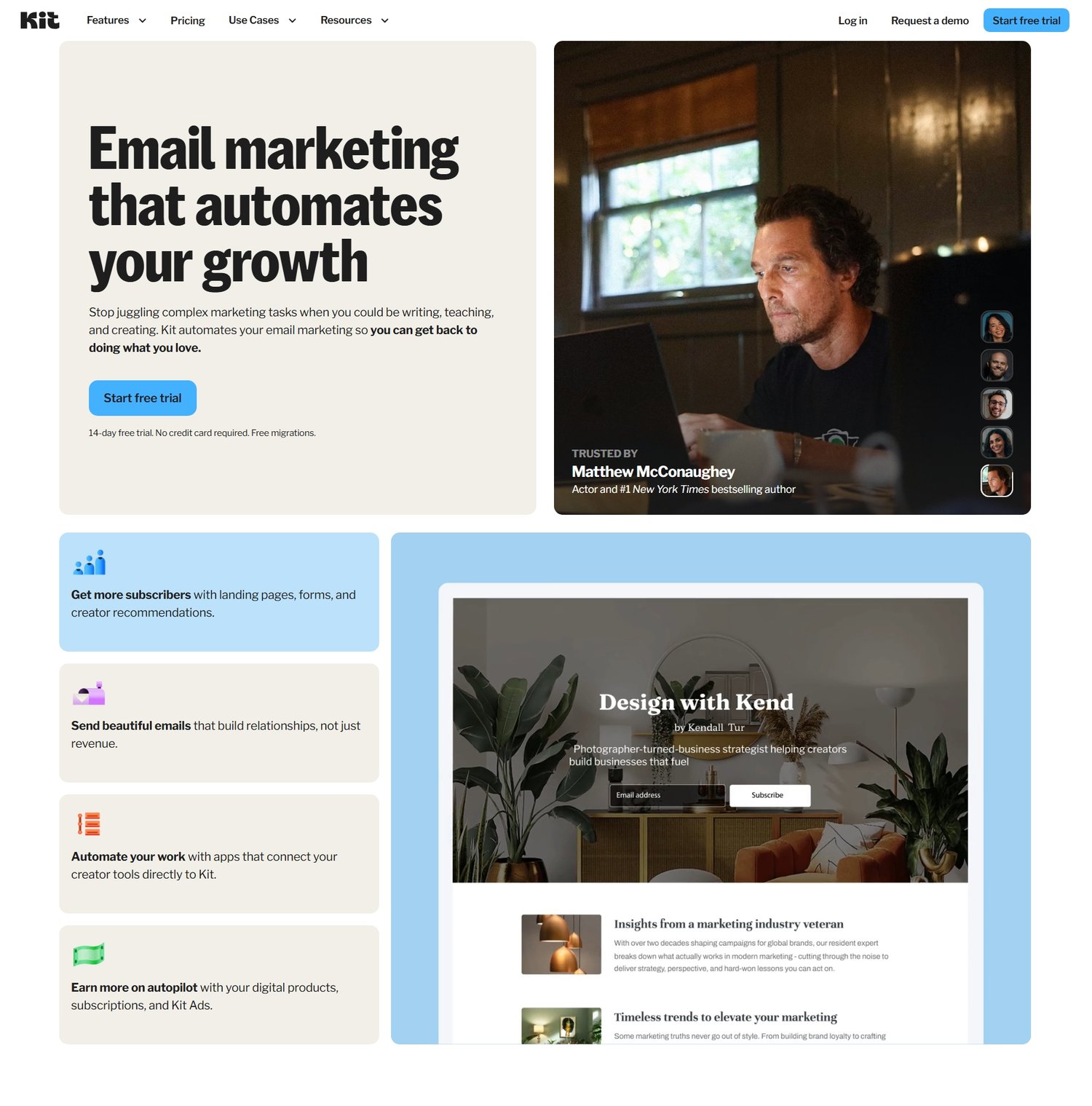
One of the most beginner-friendly tools for email marketing today is Kit. Kit is designed specifically for creators, bloggers, and online writers who want to build an audience without getting overwhelmed by complex marketing systems.
The best part? It's free. Kit has one of the most generous free plans in the whole of email marketing. Their free supports 10,000 subscribers, it allows you to collect emails, send newsletters, and automate basic sequences in a clean way.
How Email Collection Works
At the center of your email strategy is a simple idea: offer something valuable in exchange for an email address.
This could be:
- A beginner blogging checklist
- A niche research guide
- A free ebook
- A template pack
- A short email course
Once someone subscribes, they become part of your audience, and you can continue building trust through consistent emails.
Promoting Your Blog Through Social Media
While SEO is powerful for long-term traffic, social media plays a different role. It helps you get visibility faster, test ideas quickly, and distribute your content beyond search engines.
Let’s look at the most effective ones for bloggers.
Pinterest: Visual Search Engine for Blog Traffic
Pinterest is one of the most powerful traffic sources for bloggers, especially in niches like lifestyle, finance, food, travel, and productivity.
Unlike traditional social media platforms, Pinterest behaves more like a visual search engine. Users actively search for ideas, guides, and inspiration, which means your blog posts can continue driving traffic long after they are published.
Each blog post can be turned into multiple pins, each pointing back to your website, creating a long-term traffic loop.
Read: Tailwind Review 2026: Complete Beginner Tutorial for Bloggers →
YouTube: Building Trust Through Long-Form Content
YouTube works differently because it is built around video content, but it is extremely effective for bloggers who want to build authority.
Instead of just reading your content, people get to see and hear you, which builds trust much faster.
Many successful bloggers use YouTube to:
- Explain blog topics in video form
- Drive traffic back to written content
- Build a personal brand
- Grow an engaged audience
Even simple tutorial videos can bring consistent traffic to your blog over time.
X (Twitter): Fast Distribution and Thought Sharing
X, formerly known as Twitter, is useful for distributing ideas quickly and building in public.
While it may not always drive massive traffic like search engines, it helps you stay visible, connect with other creators, and share insights in real time.
Setting Up SEO Foundations for Long-Term Traffic
Search engine optimization ensures that your blog posts can be discovered by people actively searching for answers on Google and Bing.
To make that possible, you need to set up the right tools from the beginning.
Learn more about search engine optimization →
Google Search Console
Google Search Console is one of the most important tools for any blogger who wants organic traffic.
It allows you to see how your website is performing in Google search results, which keywords are bringing visitors, which pages are ranking, and where you can improve.
Without it, you are essentially publishing content blindly without feedback.
Bing Webmaster Tools
Bing Webmaster Tools performs a similar role for Bing search traffic.
While Google is usually the main focus, Bing still drives meaningful traffic, especially for certain niches and demographics. Setting up both tools ensures your blog is indexed properly across major search engines.
How SEO, Social Media, and Email Work Together
The most successful blogs do not rely on one traffic source. They combine multiple systems that reinforce each other. SEO brings long-term search traffic. Social media brings visibility and discovery. Email marketing brings retention and repeat engagement.
When these three systems work together, your blog stops being dependent on any single platform and starts becoming a stable ecosystem.
Diverse Ways to Monetize a Blog
Monetizing a blog is not about “getting rich quickly” or turning every page into a sales pitch. It is about building systems that allow your content to generate value in return for the time, effort, and consistency you put into it.
The most successful blogs do not rely on a single income stream. Instead, they combine several methods that work together naturally, depending on traffic, audience trust, and niche.
Let’s break this down in a realistic and practical way.
Affiliate Marketing: Earning Through Recommendations
Affiliate marketing is one of the most common and beginner-friendly ways to monetize a blog, especially in educational or review-based niches. Affiliate marketing means recommending tools, products, or services and earning a commission when someone takes action through your link.
What makes this model powerful is that it does not require you to create your own product. Instead, you are simply connecting your audience with solutions they already need.
The key to doing this well is not pushing products aggressively but integrating them naturally into helpful content. The more useful your content feels, the more natural your recommendations become.
I made a database containing affiliate program bloggers can promote.
Display Advertising: Earning From Traffic Volume
Another common monetization method is display advertising, where ads are shown on your blog and you earn revenue based on impressions or clicks. This model works best when your blog starts receiving consistent traffic, because earnings are tied directly to page views.
While ads may not generate significant income in the early stages, they become more meaningful as your content library grows and your traffic compounds over time.
The important thing to understand is that advertising is a volume-based strategy. It rewards consistency, content depth, and search engine visibility. It is not usually the first income stream beginners rely on, but it becomes a solid foundation as your blog matures.
Popular advertising platforms include Google Adsense, Adcash and Mediavine.
Digital Products: The Most Scalable Blogging Income Stream
Digital products are one of the most powerful ways to monetize a blog because they allow you to package your knowledge into something repeatable and sellable.
These can include:
- Ebooks
- Templates
- Notion systems
- Email swipe files
- Mini courses
- Checklists and frameworks
What makes digital products especially powerful is that they scale without additional effort once created. You can sell the same product repeatedly to different readers, which means your income is no longer tied directly to your time.
Read: Sellfy Review 2026: Complete Beginner Tutorial for Selling Products Online →
Services and Freelancing: Monetizing Your Skills Directly
Many bloggers overlook services as a monetization path, but it is often one of the fastest ways to earn income, especially in the early stages.
Instead of waiting for traffic to grow, you can use your blog as a portfolio to attract clients.
Depending on your niche, this could include:
- Content writing
- SEO consulting
- Blog setup services
- Website design
- Strategy coaching
- Content planning
The advantage of services is that they generate income quickly, while also helping you understand your audience’s real problems more deeply.
Sponsored Content and Brand Partnerships
As your blog grows in authority and traffic, brands may begin to reach out for sponsored content opportunities, or you may reach out to brands yourself. In these cases, companies pay you to create content that features their product or service, usually because they want access to your audience and trust. This was actually the first way I earned money from my first blog; I was paid $200 by a brand to write a blog post about their product on my blog.
This monetization method is highly dependent on niche, audience quality, and engagement rather than just raw traffic numbers. Brands are often more interested in influence and relevance than size alone.
Combining Monetization Methods for Stability
For example, a single blog post might:
- Rank on Google and bring organic traffic
- Include affiliate links to relevant tools
- Encourage readers to join an email list
- Later promote a digital product
- Eventually attract sponsorship opportunities
Each layer supports the other, creating a system where content continues generating value over time.
Tracking Blog Performance and Understanding Growth
Once monetization begins, it becomes important to understand how your blog is performing, not just in terms of traffic, but in terms of engagement, conversions, and reader behavior.
Without tracking, you are essentially guessing what works.
With tracking, you begin to see patterns that guide your decisions.
What to Pay Attention To in Blog Analytics
Blog analytics can feel overwhelming at first, but you only need to focus on a few core metrics:
- Which pages get the most traffic
- Where your visitors are coming from
- How long readers stay on your posts
- Which articles convert visitors into subscribers
- Which keywords bring consistent traffic
These insights help you double down on what is working instead of guessing blindly.
Over time, your blog becomes less about random content creation and more about strategic refinement.
How Blogging Becomes a Long-Term Asset
When you combine content creation, SEO, email marketing, social media distribution, and monetization, something interesting happens. Your blog stops behaving like a hobby project and starts behaving like an asset.
Old content continues bringing traffic. Email subscribers continue engaging. Monetization becomes layered and consistent. Each new post builds on top of previous ones instead of starting from scratch.
This compounding effect is what makes blogging unique compared to most online activities.
It rewards patience, clarity, and consistency more than speed.
I created a Blog Content planner using sheets if you're interested and also a SaaS Affiliate Program Tracker where you can track all your affiliate programs, link, commission and more.
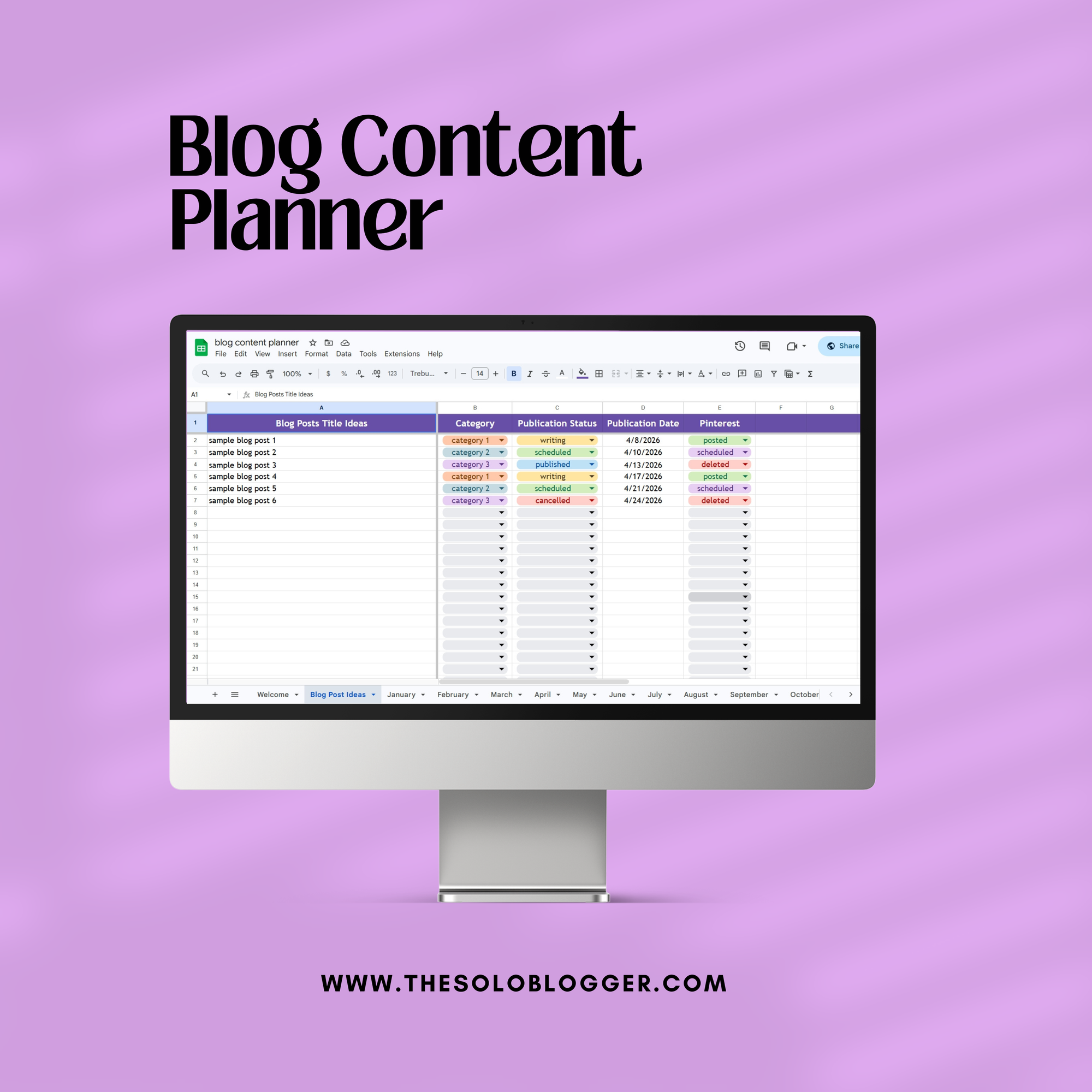
Blog Content Planner
This is the exact content planner I personally use to stay consistent, organized, and intentional with my blog growth. It’s designed for bloggers who want clarity across their content, not scattered ideas and missed publishing dates.
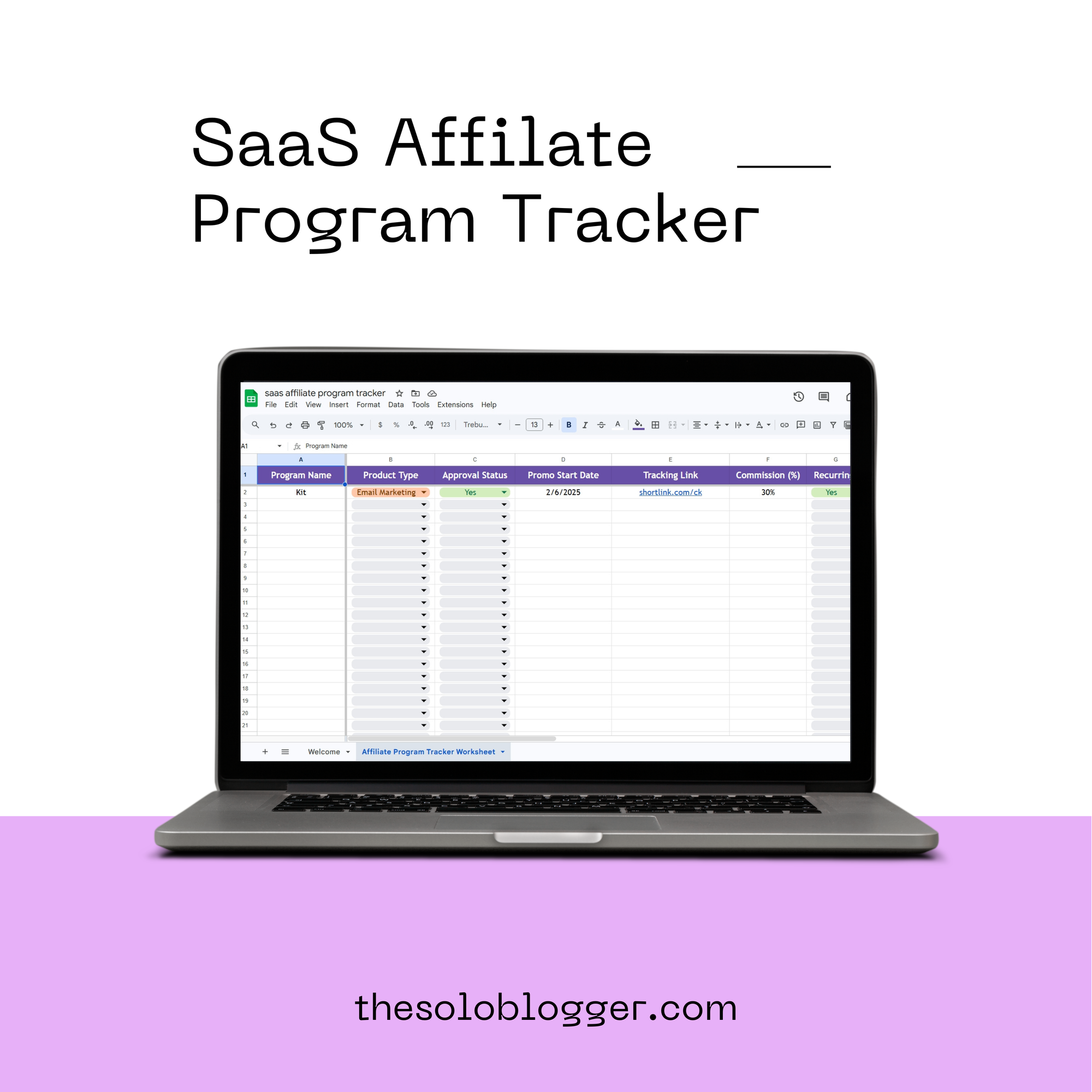
SaaS Affiliate Program Tracker
This is the exact tracker I personally use to manage and grow my SaaS affiliate income without losing track of opportunities, links, or performance. It’s built for bloggers who want to move beyond scattered spreadsheets and start treating affiliate marketing like a real revenue stream.